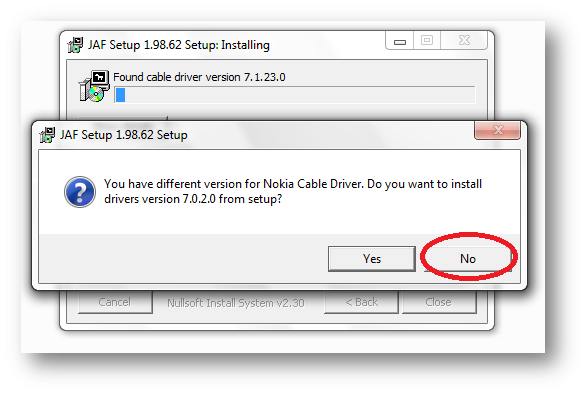
Following things you need… Nokia PC Suite 7.1. **Don’t use OVI Suite. http://nds1.nokia.com/files/support/global/phones/software/Nokia_PC_Suite_eng_web.exe JAF v1.98.6 PKEY Emulator v5 Following steps you have to follow… Install Nokia PC Suite 7.1 & Connect your Phone to finish installing all drivers and restart your system Install JAF v1.98.62 after restart (But don’t install Nokia Cable Driver comes with JAF Installer).
Month: May 2010
Sync TIME in Solaris 10 Server with Local Windows(Active Directory) NTP Server

There are certain steps to configure NTP on Solaris, and it’s really easy and simple. Just follow the following steps For Starting NTP on Solaris: Logon to the server using root. Now go to /etc/inet/ Rename ntp.client to ntp.conf Now edit ntp.conf and replace multicastclient 224.0.1.1 with server ip-of-your-winntp-server dos # ident “@(#)ntp.client 1.3 00/07/17 SMI” # # /etc/inet/ntp.client #